Configure user registration and authentication settings.
Overview
User settings control how users register, log in, and manage their accounts in the system.
Accessing User Settings
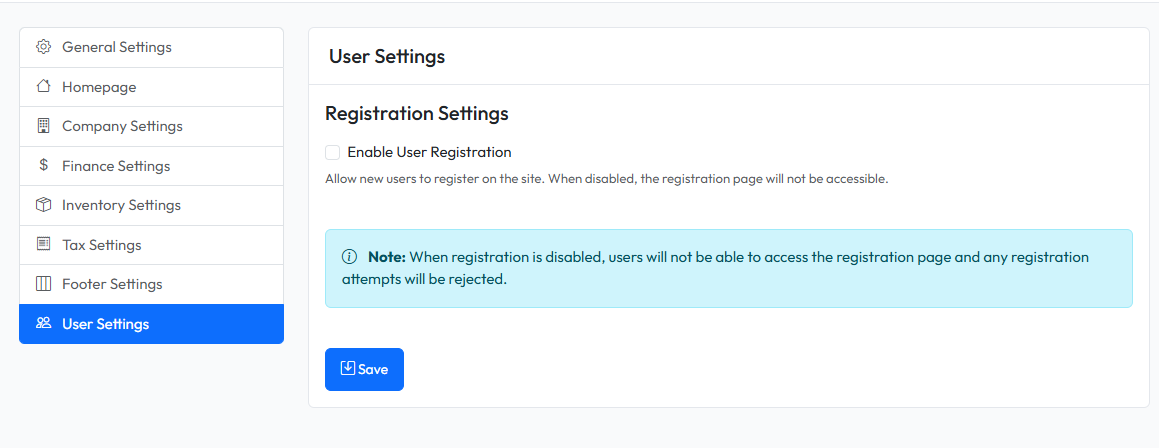
Navigate to Settings > User in the admin panel.
Registration Settings
| Setting | Description |
|---|---|
| Allow Registration | Enable/disable public user registration |
| Customer Role | Role assigned to customers created from repair orders |
Saving Changes
- Modify user settings
- Click Save Settings
- Changes apply to new sessions